Discover
Understand the workflow
Challenge: Limited access to end users and similar products, unclear user needs, and a tight timeline.
What I did
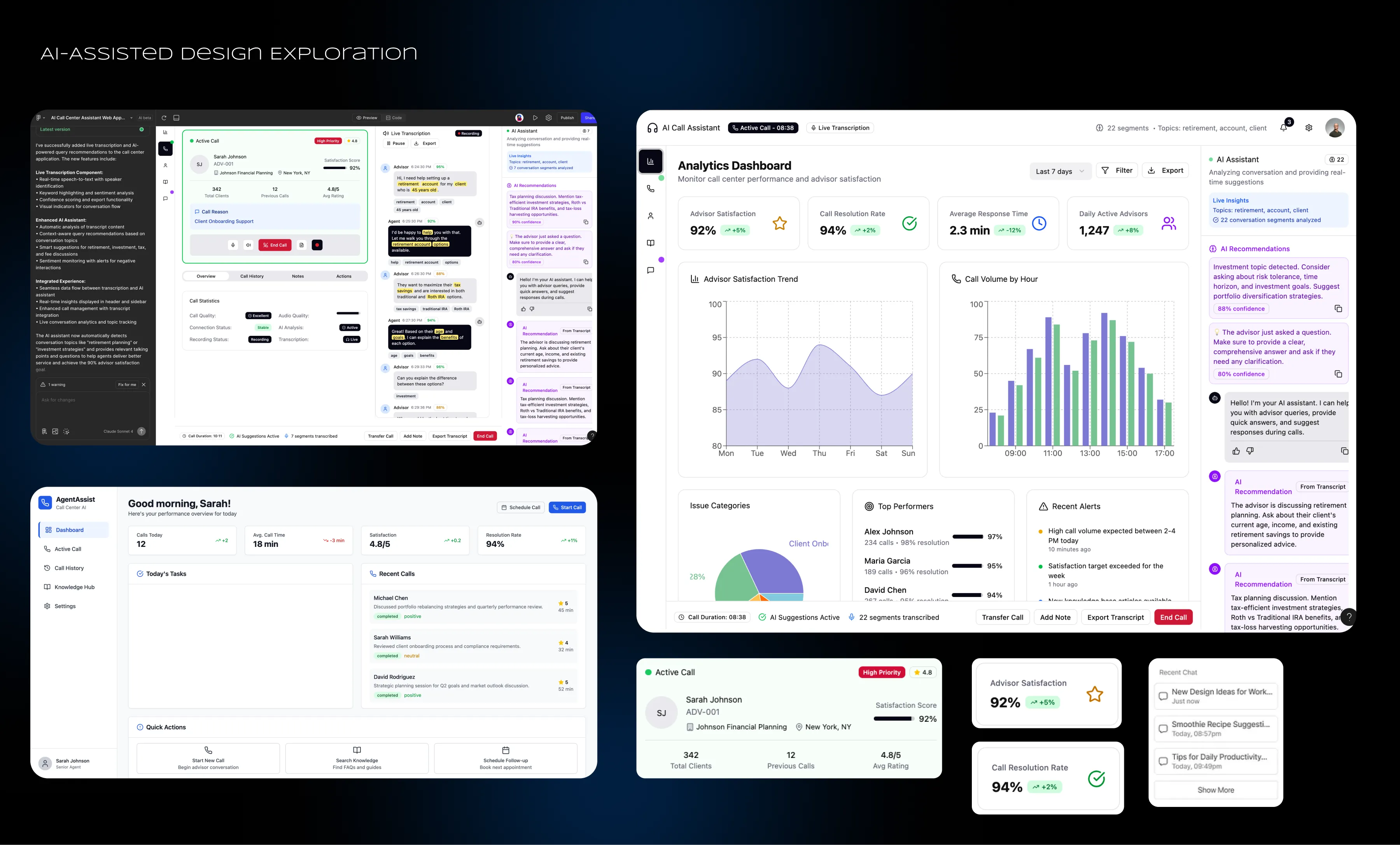
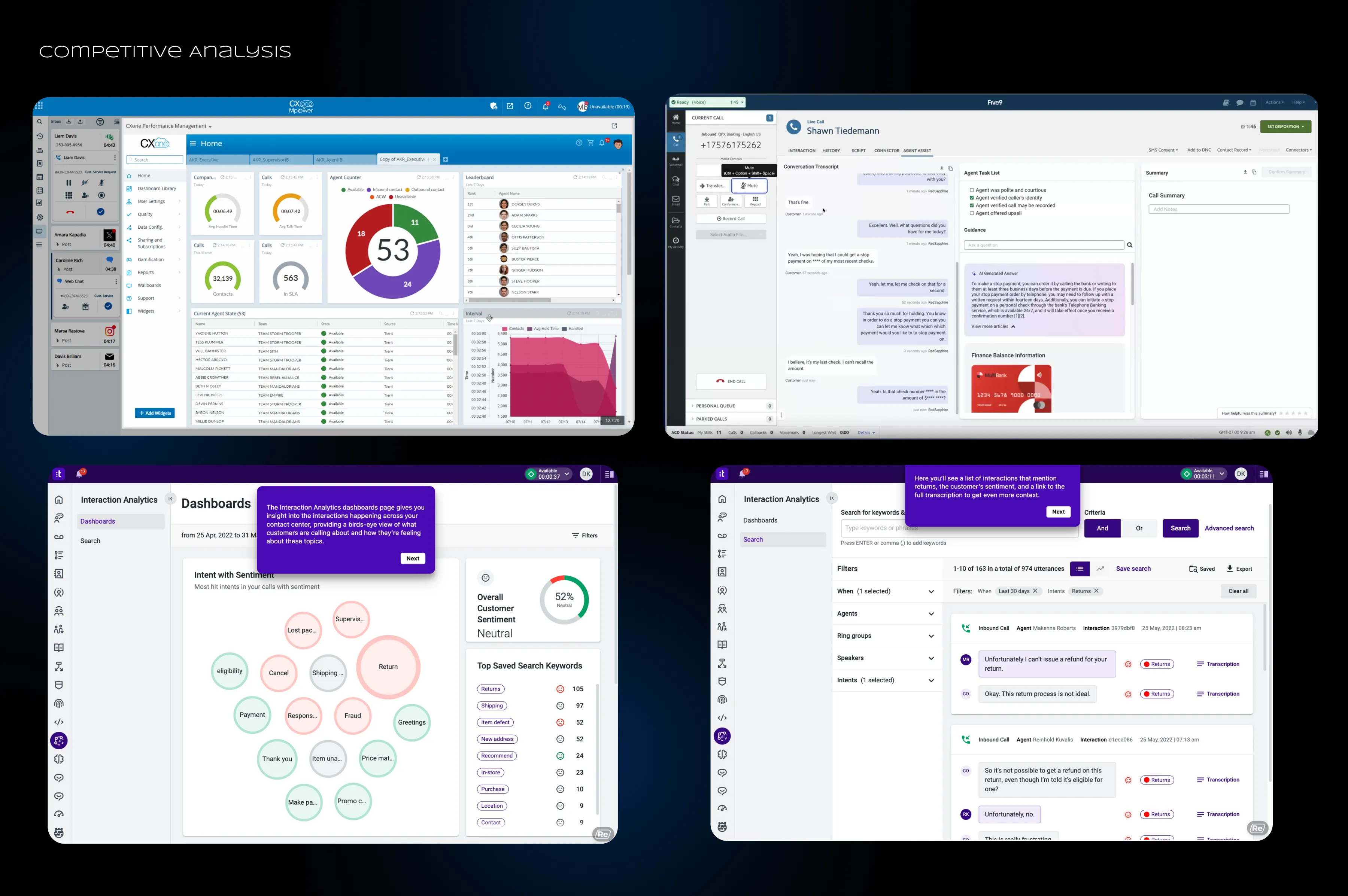
I spoke with stakeholders to understand business goals, reviewed demo videos of various call center agent applications, and used AI tools to generate app concepts to identify common workflows and features.
What I learned:
Agents needed one web app for live transcripts, AI answers grounded in company information, form autofill, suggested questions, client details, and previous call summaries.
Define
Prioritize the problems
What I did
I created user personas, mapped key user flows, and organized the main pain points into three stages: Call preparation, live call handling, and post-call processing. I also created the information architecture.
Key decision: Keep the experience focused around three areas:
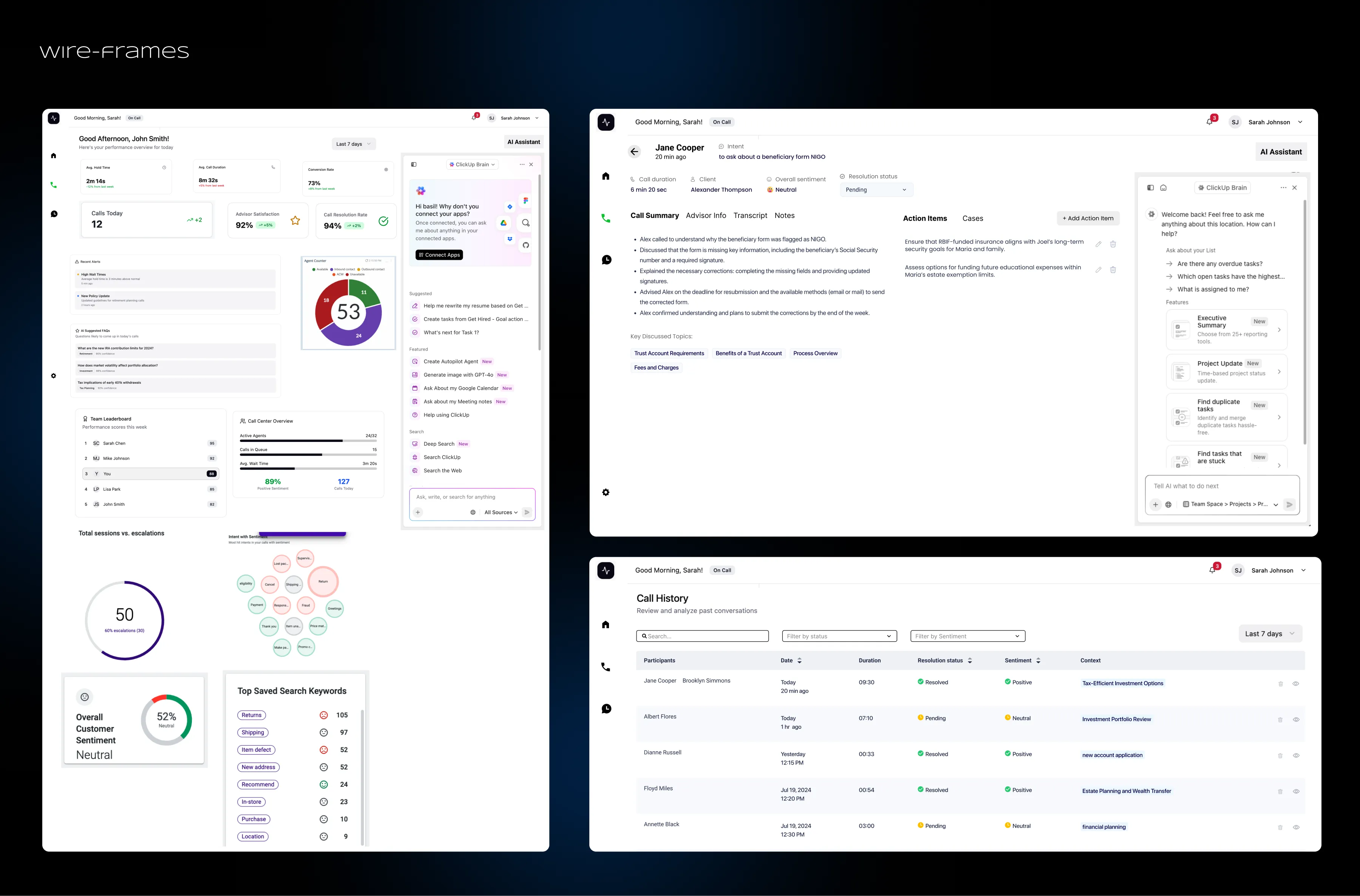
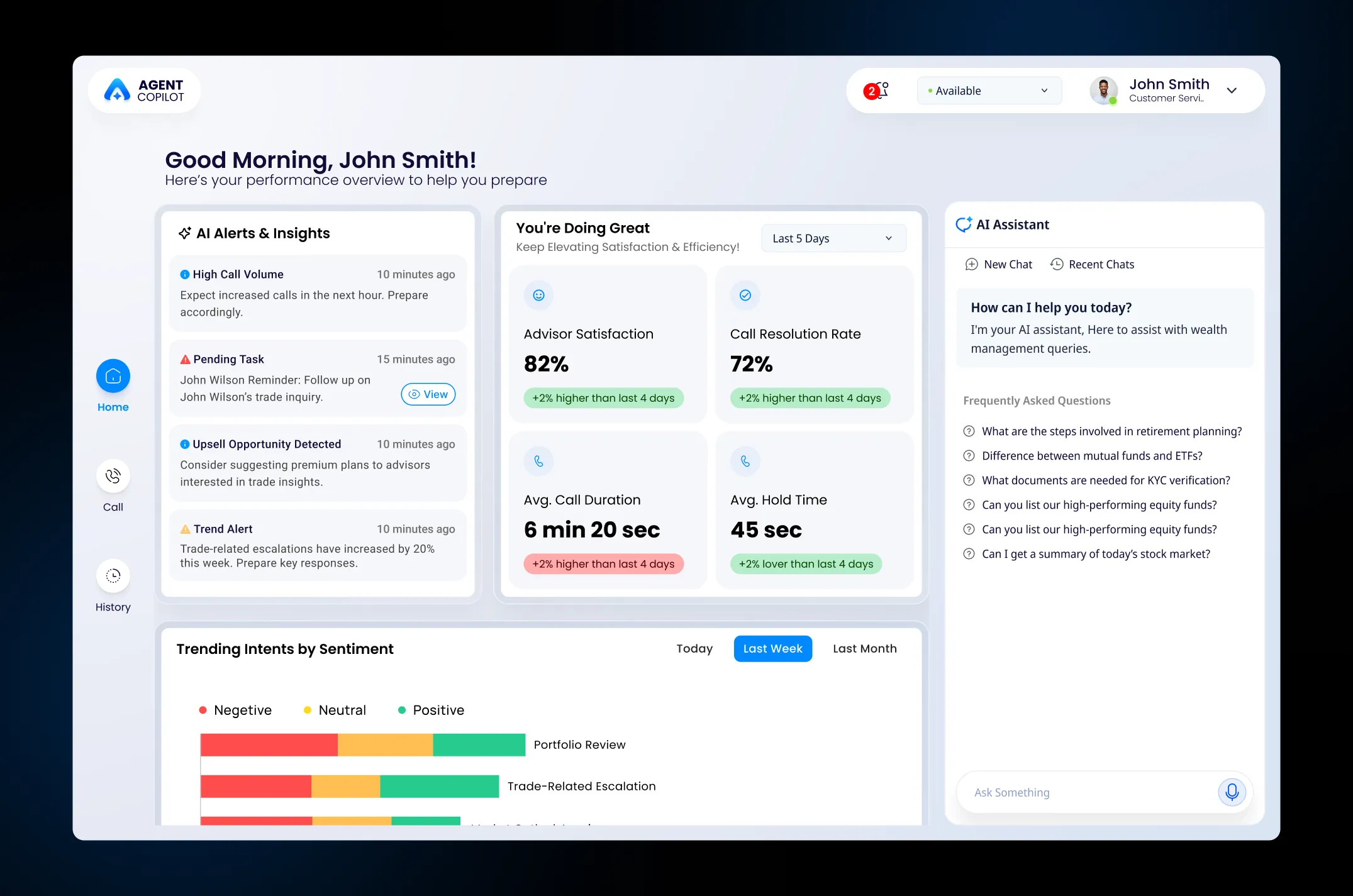
- Home: Live call center insights and suggestions to help agents prepare.
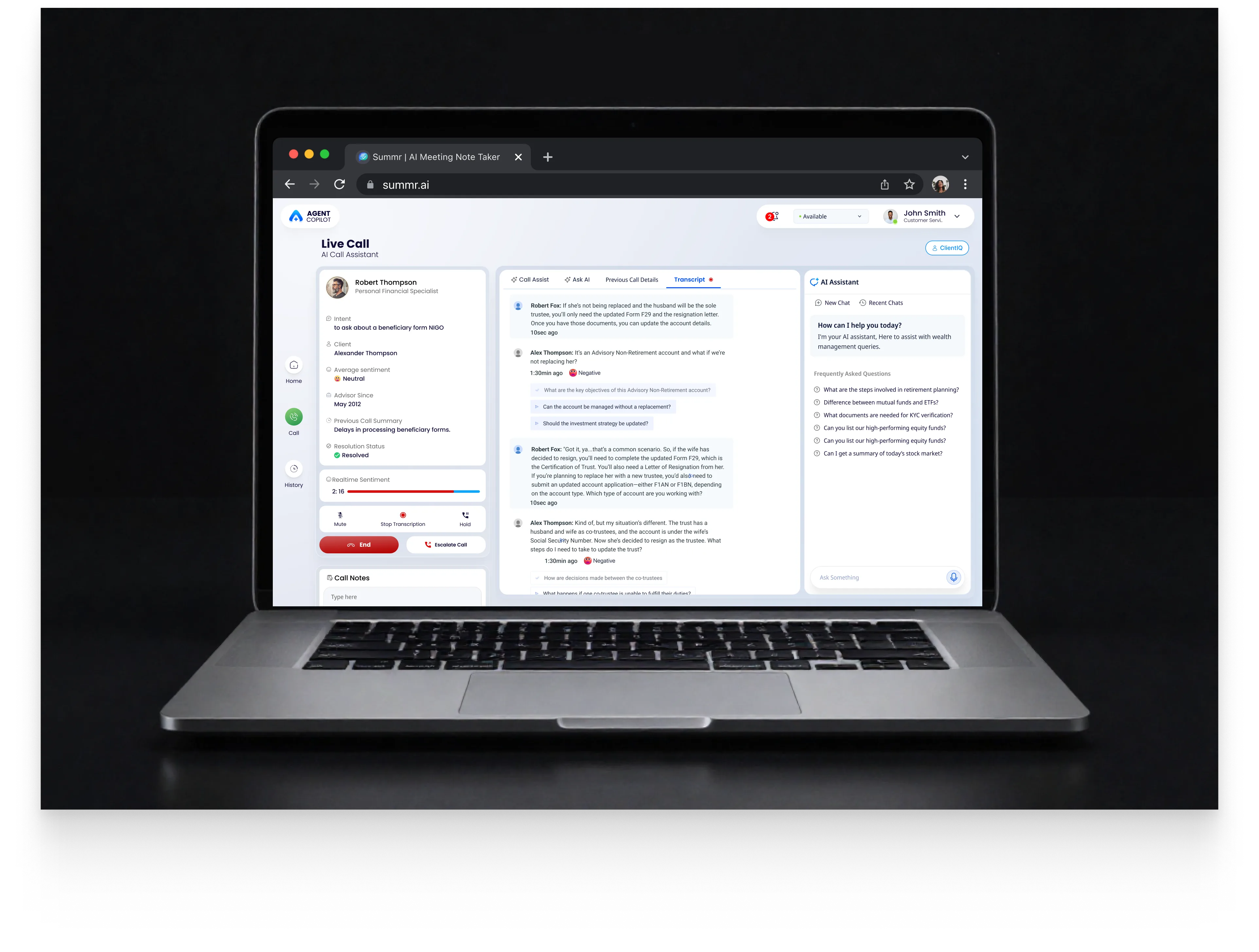
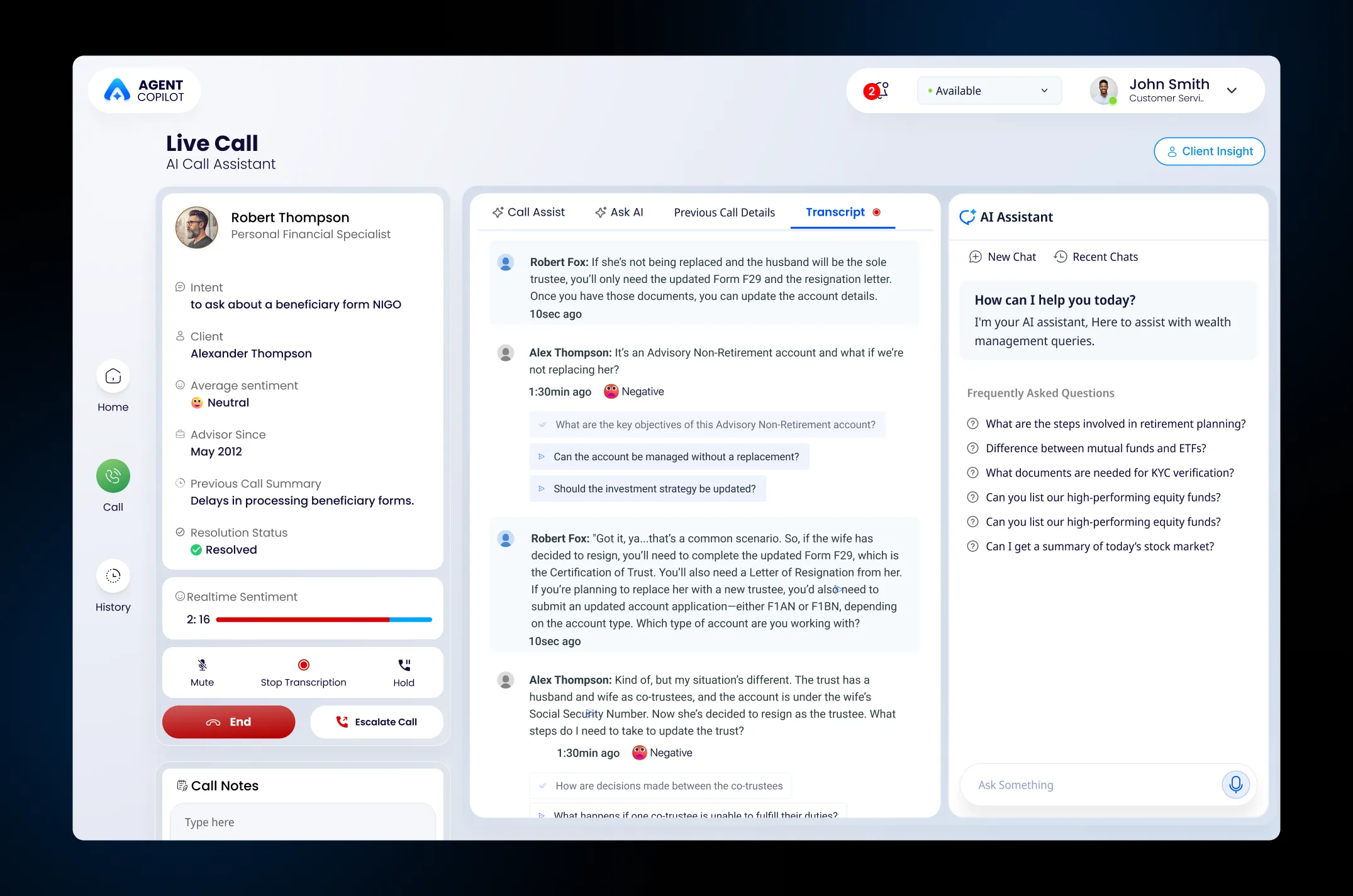
- Live call: Opens when a call comes in, showing the transcript, client details, past call summary, AI copilot, and call controls.
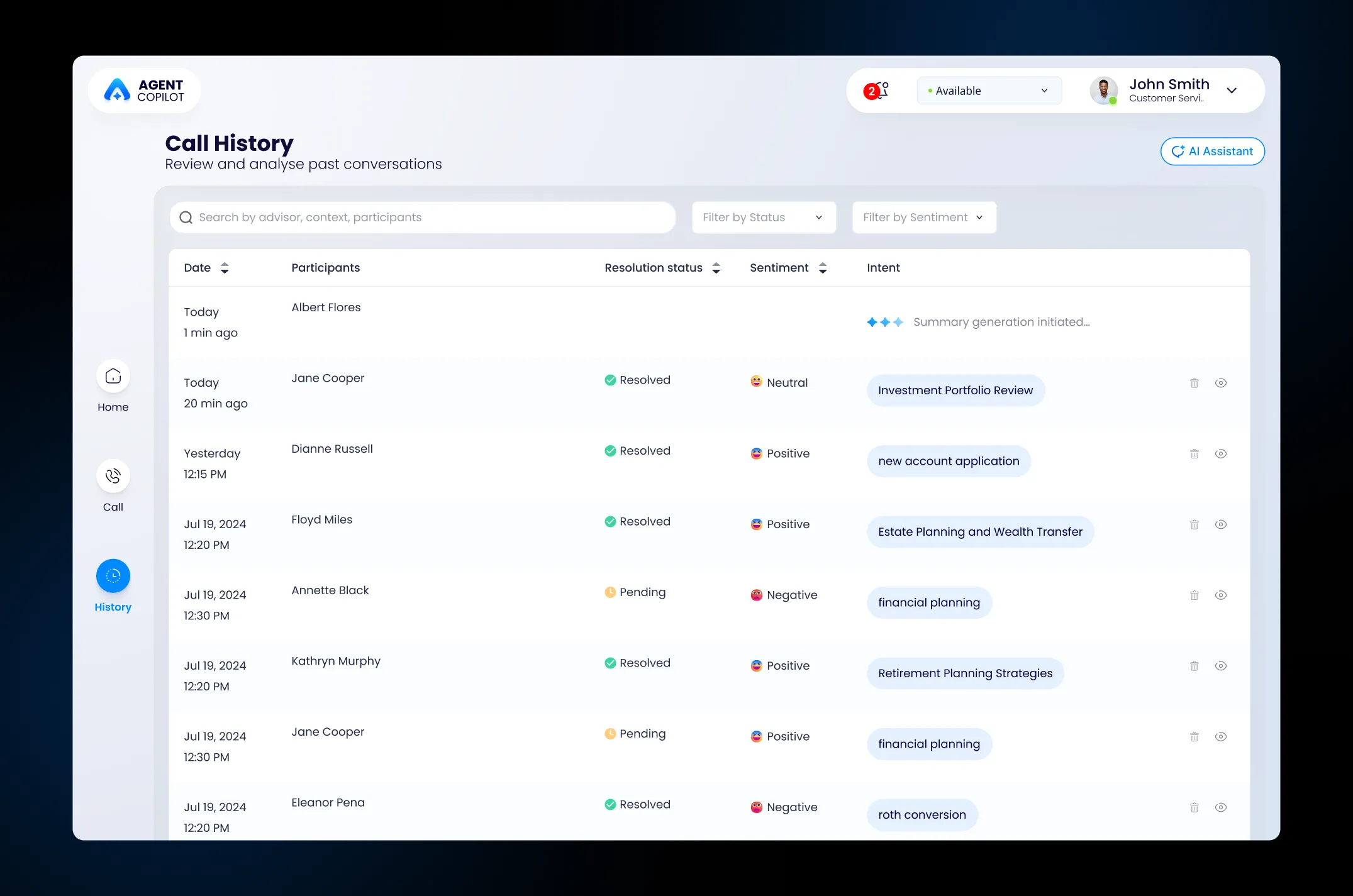
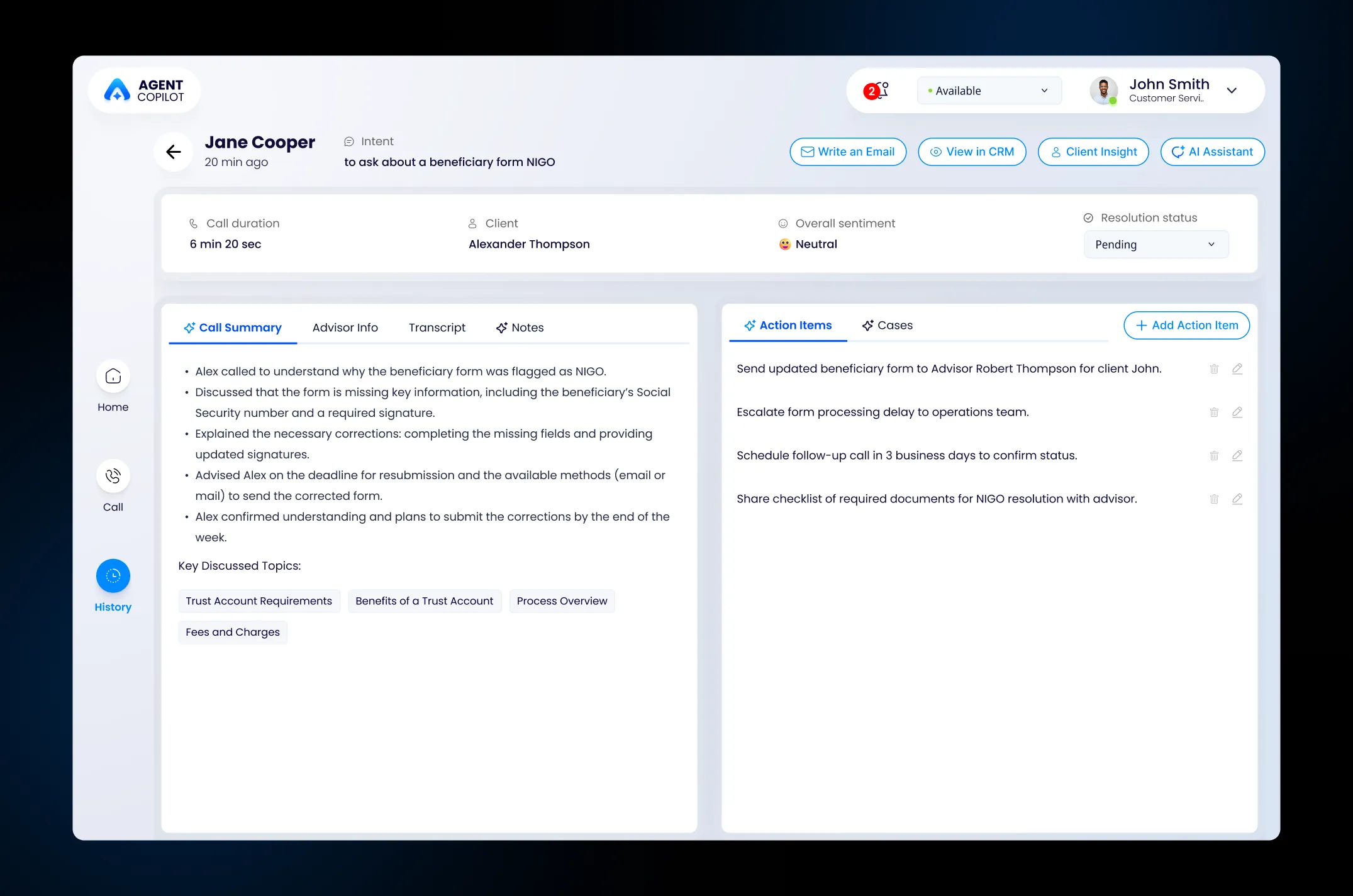
- Call summaries: A dedicated place to review previous calls.
Ideate
Explore an integrated workspace
WHAT I DID
I explored a workspace that brings call context, AI guidance, notes, and CRM actions together. I discussed the concepts with stakeholders and developers.
CHALLENGE
Stakeholders had different ideas for the dashboard. For example, the CEO suggested showing incoming calls as conversational messages, such as: “Advisor Robert Thompson is calling about a beneficiary form marked NIGO.”
KEY DECISION
I explained that agents have little time to read when a call comes in. I acknowledged the idea, described the agent’s time pressure, then suggested showing the caller and call reason in a concise, easy-to-scan format.
Prototype & Test
Bring the call workflow to life
I used Figma Make and vibe coding to create an interactive prototype. I built a user story around an advisor calling to ask about a beneficiary form marked NIGO, then tested how an agent would use the experience to handle the call.
Prototype scenarios
Scenario tested: When a call comes in, review the IVR details, client context, and past meeting summary before answering. Use AI guidance based on the live transcript, then complete the follow-up after the call.
UI & Handoff
Build a consistent experience
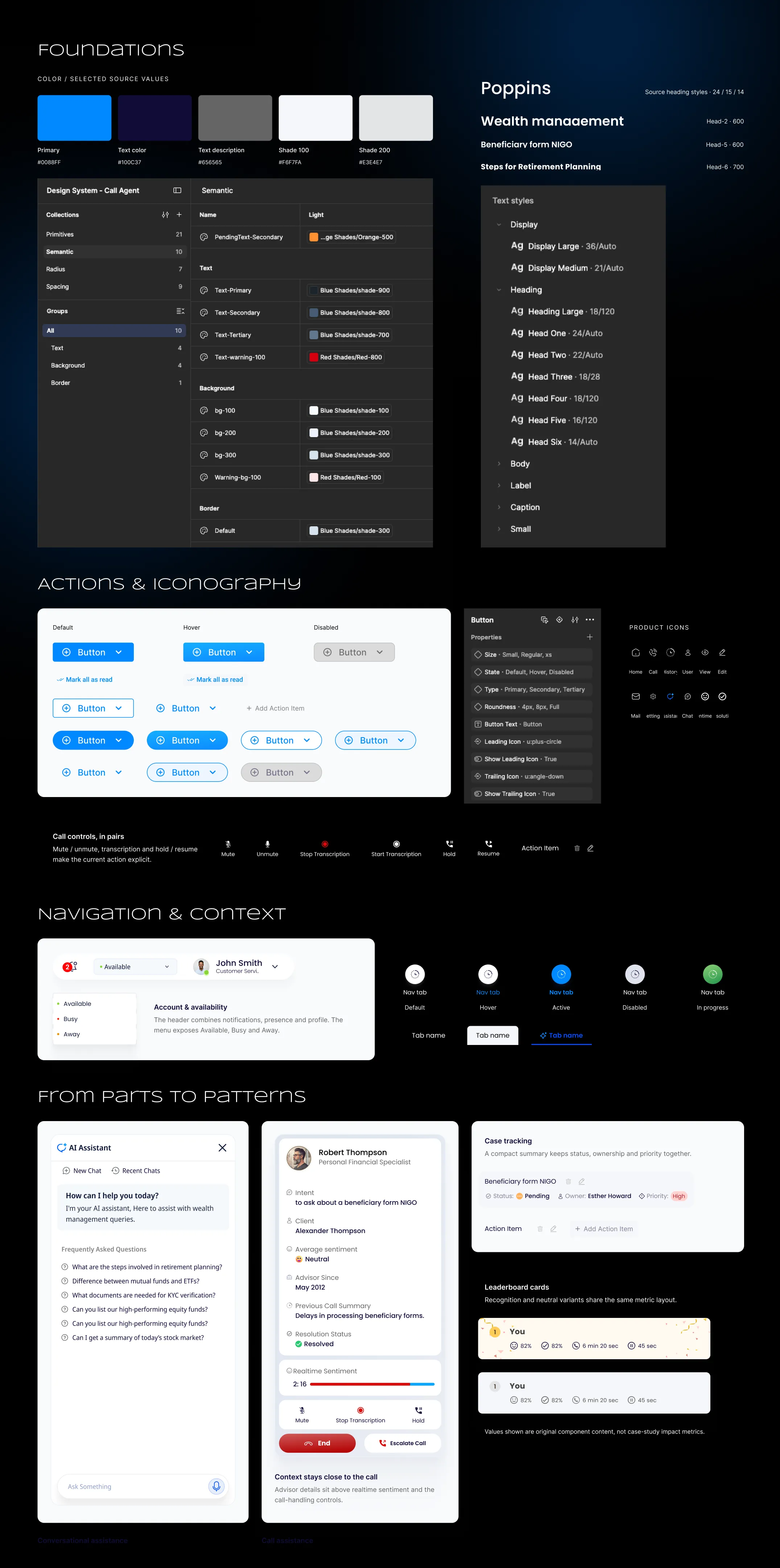
I organized the interface around a clear information hierarchy, reusable components, and consistent interaction states. I also designed for edge cases